#Vermillion's Ergo - Armored Edition
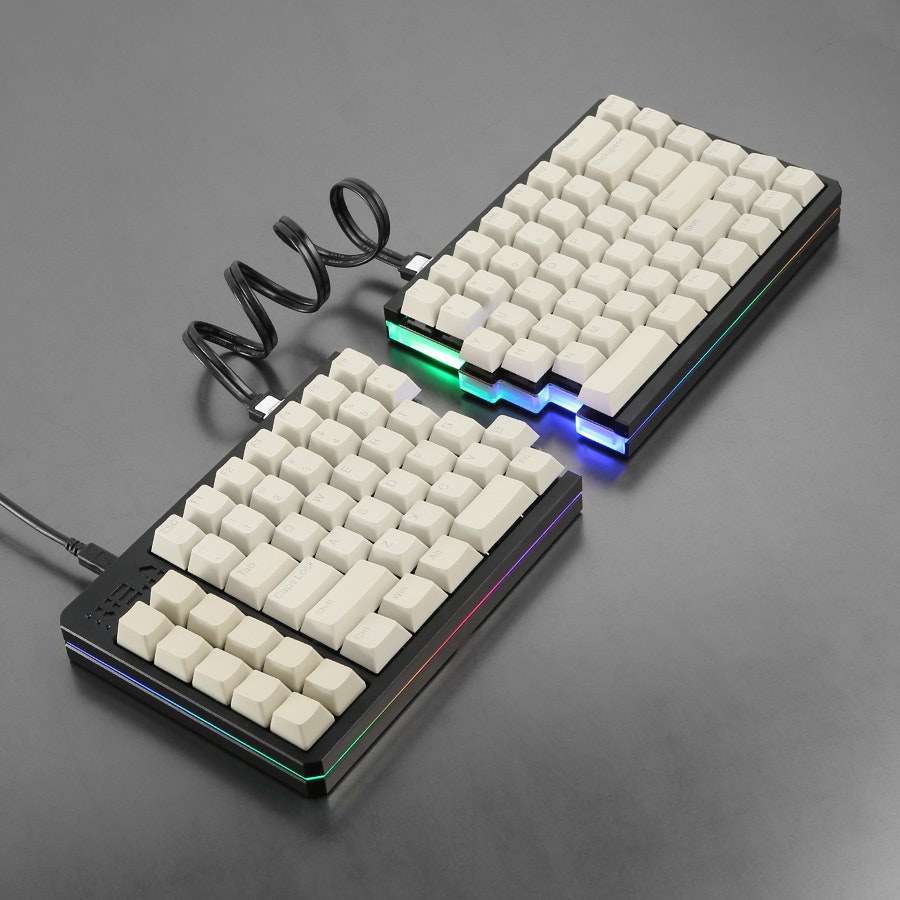
This is a port of the QMK firmware for the VE.A.
- Keyboard Maintainer: Major Koos
- Keyboard Manufacturer: OddForge
- Hardware Availability: Drop.com
Make example for this keyboard (after setting up your build environment):
make oddforge/vea:default
Flashing example for this keyboard (after setting up the bootloadHID flashing environment)
make oddforge/vea:default:flash
or
bootloadHID -r oddforge_vea_default.hex
#How to get QMK working on the VE.A
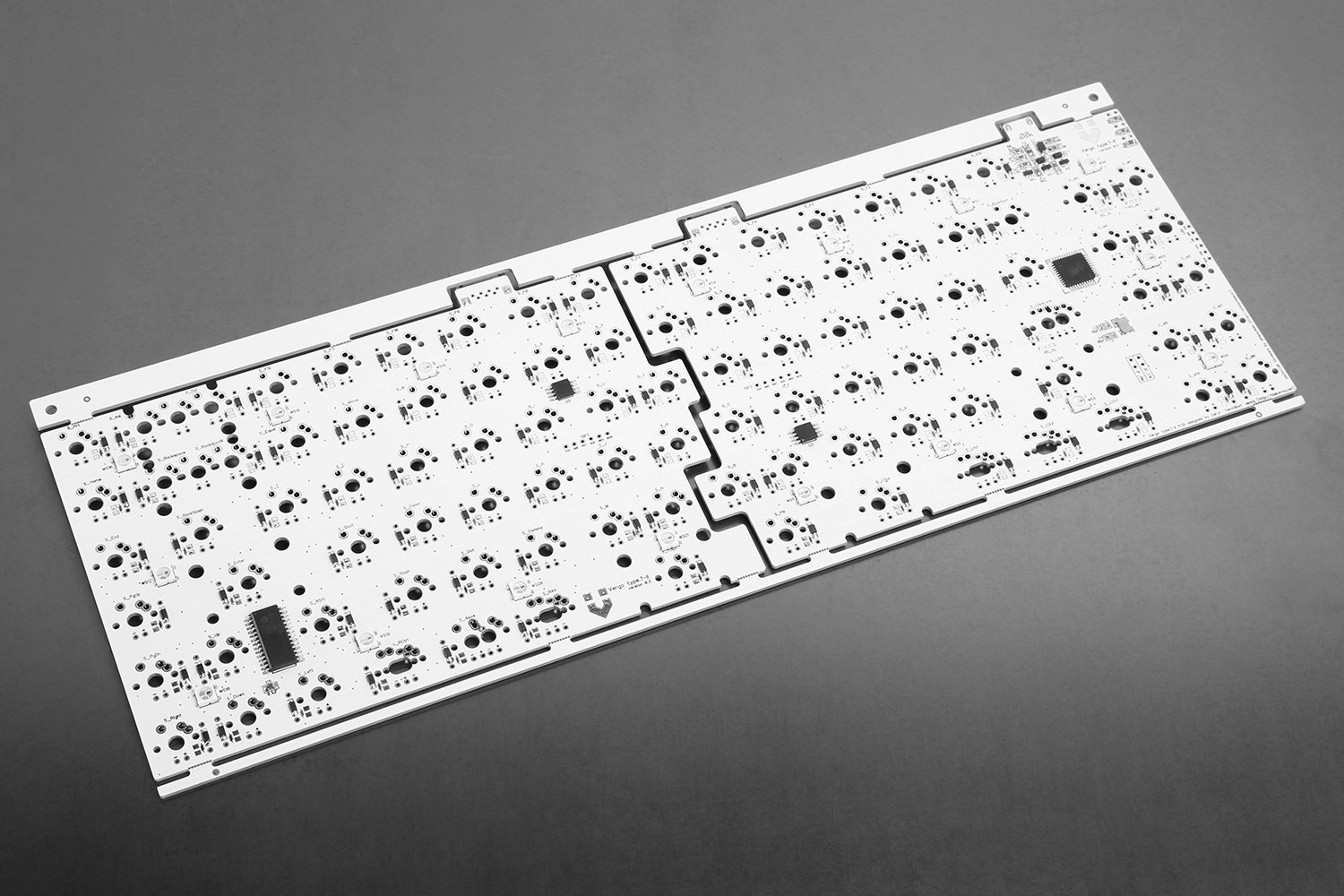
Reset Key: Hold down the key located at 3rd left position in the bottom row, commonly programmed as Left Control while plugging in the keyboard. There is also a jumper on the bottom of the PCB (JP_FW) which you can short to get into the bootloader.
See the build environment setup and the make instructions for more information. Brand new to QMK? Start with our Complete Newbs Guide.